Beyond the Hype: How We Built a Custom AI Agent to Automate Xero Invoicing (and MYOB!)
If you spend any time on LinkedIn, you’ve probably heard that AI is going to change the world. But if you’re a business owner looking to automate Xero invoicing and bookkeeping, you’re likely asking a more practical question: “How does this actually save me time right now?”
Today, we’ll tell you about a real-world micro-automation we recently built for a client. It’s the perfect example of how combining accounting expertise with AI can automate Xero invoicing (as well as MYOB workflows) and eliminate tedious bottlenecks that standard software just can’t handle.
The Problem: Why it’s so hard to automate Xero invoicing and messy receipts
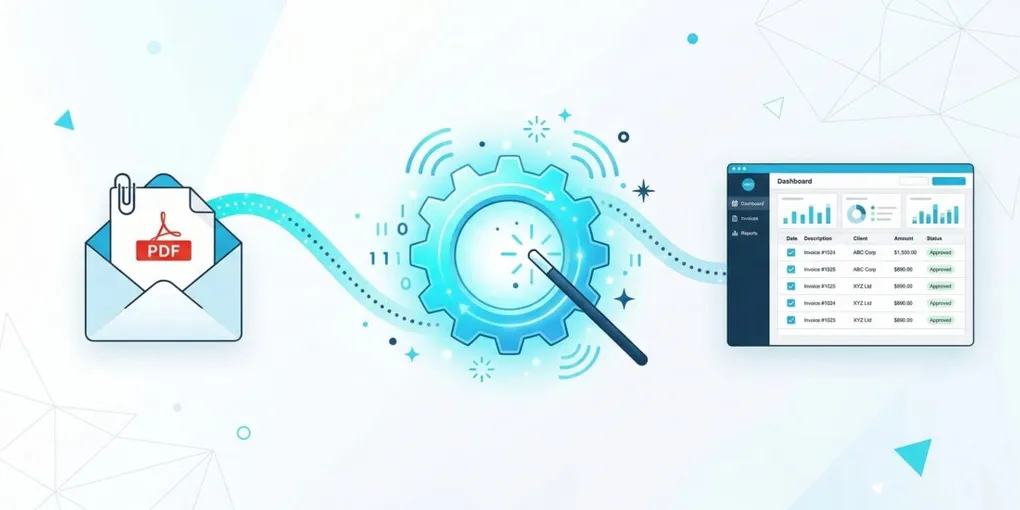
Every month, our client receives an email from a major contractor containing a PDF statement for truck Every business owner knows the pain of bespoke accounting tasks. For our transport client, this pain came in two monthly waves:
- The Complex Monthly Statement: They receive a massive PDF statement from a major contractor. We needed to ignore 30 pages of daily logs, extract the final total, and apply a very specific “Advertising Levy” as a negative, BAS-Excluded deduction.
- The Messy Fuel Receipts & Tax Credits: The client snaps photos of fuel receipts on their iPhone and emails them to us. But they don’t just buy diesel; they often grab an iced coffee, a pie, or some work boots on the same receipt. Furthermore, for a transport company, we don’t just need the total dollar amount for fuel - we explicitly need the exact litres purchased to claim Fuel Tax Credits (FTC). It wasn’t the hardest job in the world, but it was tedious, prone to human error, and interrupted the flow of higher-value work.
Why “Off-The-Shelf” Tools (Like Hubdoc & JAX) Failed
If you use Xero or MYOB, your first thought is probably to use standard receipt-parsing tools like Hubdoc, or built-in AI assistants like JAX (Just Ask Xero).
Here is why those tools hit a wall when dealing with real-world business complexity:
- The Hubdoc Limitation (It’s just a fast typist): Standard OCR (Optical Character Recognition) tools like Hubdoc are great at reading a total amount and a date. But they can’t reason. Hubdoc can’t look at a $150 BP receipt, realize that $130 was for Diesel and $20 was for a pie, and automatically split the transaction. It also struggles to reliably extract the exact litres purchased. A human still has to go in, split the lines, record the litres, and manually strip the GST off the pie as a “Personal Drawings” expense.
- The JAX Limitation (It’s a historian): Xero’s JAX is brilliant, but it relies heavily on historical data. If you go to a brand new supplier you’ve never used before, JAX doesn’t know what to do. It also doesn’t know your specific business rules. Standard tools are rigid. We needed something flexible that could actually think like a bookkeeper.
The Solution: A Custom AI Agent to automate Xero invoicing and expenses
Instead of forcing a square peg into a round hole, we built a custom automation using Google Workspace, the Xero API (this works exactly the same with the MYOB AccountRight API!), and Google’s Gemini AI.
In the tech world, this setup is known as an AI Agent. Unlike a basic bot, an AI Agent can perceive a trigger (seeing a new email), use an LLM “brain” to reason through unstructured data, and take autonomous action.
We set up a simple Google Sheet to act as the “Control Center.” If you want to automate Xero invoicing and complex receipt splitting, here is how our new AI Agent operates:
- Smart Filtering: We set up a rule in Google Workspace that watches for emails from specific senders or specific client folders, automatically tagging them for processing.
- The 60-Second Trigger: Every single minute, our Google Apps Script wakes up and checks for those tags.
- The “Story” Context (Our Secret Weapon): Instead of relying on historical data like Xero’s JAX, we feed our AI Agent a “Story” about the client. We literally give the AI a rulebook: “This client is a transport driver. Clothing is Protective Gear. Snacks and coffee are Personal Drawings.”
- AI Line-by-Line Extraction: When the AI Agent reads a messy fuel receipt, it uses that “Story” to dynamically split the transaction. It categorizes the diesel to the Motor Vehicle account, flags the pie as a Personal Drawing, and removes the GST from the food—all autonomously. Crucially, the AI also extracts the exact litres of diesel purchased and formats it directly into the line-item description. This seamlessly feeds into a separate automated process we have for calculating their Fuel Tax Credits!
- Drafts & Attaches in Accounting Software: It pushes this data directly into Xero (or MYOB), creating perfectly coded draft invoices or “Spend Money” transactions, and natively pins the PDF or photo to it.
- Clean Up & Notify: Finally, the script updates the email tags so we have a clean audit trail, and sends a message directly to our Google Chat: “Hey, I’ve posted the BP fuel receipt for $150.00.” Zero data entry. Zero downloading and uploading. Zero arguing about the GST on iced coffees.
What Do You Need to Make This Work? (And What Does it Cost?)
If you are a business owner wondering if you can implement this yourself, the barrier to entry is surprisingly low. Here is exactly what is running under the hood:
- Google Account (Free or Workspace): You can use standard Gmail filters to label emails based on the Sender’s address and the Subject line. Cost: $0.
- Google Sheets & Apps Script: This is where the code lives. It is included for free in every single Google account. Cost: $0.
- Google Gemini AI: We use Google’s Gemini API to “read” the PDF. Google currently offers a very generous free tier for developers. For the volume of a standard small-to-medium business, you will likely never hit the billing threshold. Cost: $0.
- Xero or MYOB Account: You need standard access to your accounting software to utilize their API. Cost: Included in your existing subscription. Notice what is missing? We didn’t need to pay $30-$100/month for a third-party connector tool like Zapier or Make.com. By writing the script natively in Google, the ongoing operating cost of this automation is effectively zero.
Why This Matters (The Real Value of AI)
For businesses looking to automate Xero invoicing and bookkeeping, this project highlights a crucial lesson: technology is only half the equation; domain expertise is the other.
As a Virtual CFO and accountant, I didn’t just know how to write the code; I understood why the Advertising Levy needed to be a negative line item, and why extracting the exact fuel litres is critical for tax compliance. A standard software developer might have built a script that unbalanced the ledger, while a standard accountant might have just accepted doing it manually forever.
By bridging the gap between accounting reality and AI capability, we took frustrating, bespoke monthly chores and handed them entirely to an autonomous AI agent.
Are you dealing with tedious, bespoke data entry that your current software can’t handle? If you are ready to automate Xero invoicing (or supercharge your MYOB file) and win back your time, let’s have a chat.